
Returning fresh from Japan after a week chasing sakura in Tokyo and Kyoto 🌸
Even though I’ve talked about IC cards several times before, this trip made me realize it deserves its own post—because we kept seeing people struggle with it in real life.
At Tokyo Station, while we were reserving seats for the Narita Express back to the airport, we saw a family of five trying to get their IC cards sorted. The problem wasn’t the ticket machine—it was the ATM. It wasn’t working, they didn’t have cash, and they still needed two more IC cards.
It was our last day, and we happened to have an extra IC card, so I gave them one of ours. But they were still one short—meaning they couldn’t even get through the gate.
We were rushing to catch our own train, so we couldn’t stay longer, but we did try to help—offering Yen if they could Zelle USD, and pointing them to a currency exchange counter nearby.
And honestly… it was stressful just watching it.
If you want a full breakdown of how IC cards work (types, where to get them, etc.), I’ve covered that in detail here:
I’ll link those again at the end. This post is more about what actually happens—and the little things that can go wrong if you’re not prepared.
Cash is Still King
Before even getting into IC cards, this is something that stood out again on this trip.
Japan is incredibly modern, but it’s not fully cashless. Machines don’t always work. Credit cards don’t always go through. And when something fails… you need a backup.
At Tokyo Station, what really surprised me wasn’t even the IC card issue. It was how quickly things stalled because the ATM wasn’t working. And in a place like that, you kind of assume there will always be another one right there… but that’s not always how it plays out.
What most people don’t realize is that if the ATM inside the station doesn’t work, you’re not necessarily stuck. There are usually 7-Eleven or FamilyMart ATMs nearby, and they’re generally more reliable. You’ll see them pretty often once you start walking around, but in the moment—especially when you’re rushing to catch a train—it doesn’t always feel that simple.
That whole situation just reminded me why I always exchange about $100 worth of Yen before a Japan trip—just like I do with local currency anywhere I travel. Not because I expect to use cash everywhere, but because I don’t want my first few hours in a new country depending on whether an ATM decides to cooperate.
And watching that family at Tokyo Station… it was one of those moments where that small habit suddenly made a lot more sense.
Digital IC Cards (What I Recommend If You Can Use It)
I’ve mentioned this in my earlier posts, but after this trip, I’d emphasize it even more: if you can go digital, do it!
Being able to add a card directly into Apple Wallet (or Google Wallet)—without depending on machines or availability—removes a huge layer of stress.
Especially now that physical cards aren’t always guaranteed to be in stock.
A few things that stood out from this trip:
- It works instantly—no lines, no setup
- Reloading is easy and can be done anytime
- You don’t have to worry about losing anything
And one feature I’ve come to really appreciate:
- Express Transit Mode → just tap and walk, no need to unlock your phone
That said, a couple of real-world notes (these don’t always show up in guides):
- Some international credit cards (especially Visa) can be unreliable for reloads
- It only works on iPhones and Japanese Android phones (equipped with FeliCa or NFC-F chip that enables Osaifu-Keitai).
- Kids’ IC cards still need to be physical
- Note that even if you add the IC card to Apple wallet and load it while in the U.S., the charge is considered to be a foreign transaction. So if your credit card charges fees for foreign transactions, then it will be applied here.
So if you’re traveling as a family with small children, you’ll likely end up using a mix of digital and physical cards.
To add digital IC Card to Apple Wallet:
- In Apple Wallet, click + to add a new card
- Select Transit Card
- Search for cards under Japan
- Select the card you would like to add
- You can add a new digital card
- Or add the digital version of a physical IC card you already have – this is only beneficial if you have remaining fund on the physical card that you want to transfer.


IC Card Apps (Do You Actually Need Them?)
Short answer: not really.
As I mentioned in my previous posts, most travelers don’t need the Suica or PASMO app at all.


They’re mainly helpful if you:
- Want to link your IC card to Shinkansen bookings (SmartEX)
- Need access to the full card number
- Want to accumulate points for the JR East point system
- Or run into issues that require support
Otherwise, your phone wallet is enough.
Physical IC Cards (Still Useful, Just Less Flexible)
This is where most of the real-life issues we saw happened.
Physical cards still work perfectly fine—but they rely on two things that can fail: cash and availability.
First, everything is cash-based:
- Purchase = cash
- Reload = cash
So if you don’t have Yen… you’re already stuck.
Second—and this is something many people don’t realize—availability is not always guaranteed anymore.
Due to chip shortages, Suica and PASMO cards are sometimes limited or temporarily unavailable. So showing up and expecting to buy multiple cards for a family isn’t always realistic anymore.
A situation like that can escalate quickly, especially when you’re already trying to catch a train.
A few more things to keep in mind:
- Kids’ IC cards must be issued at a JR office
- A passport is required to verify age
- Standard cards require a ¥500 deposit
- Refunds are only done in the issuing region
Differences Among IC Cards (and what actually matters)
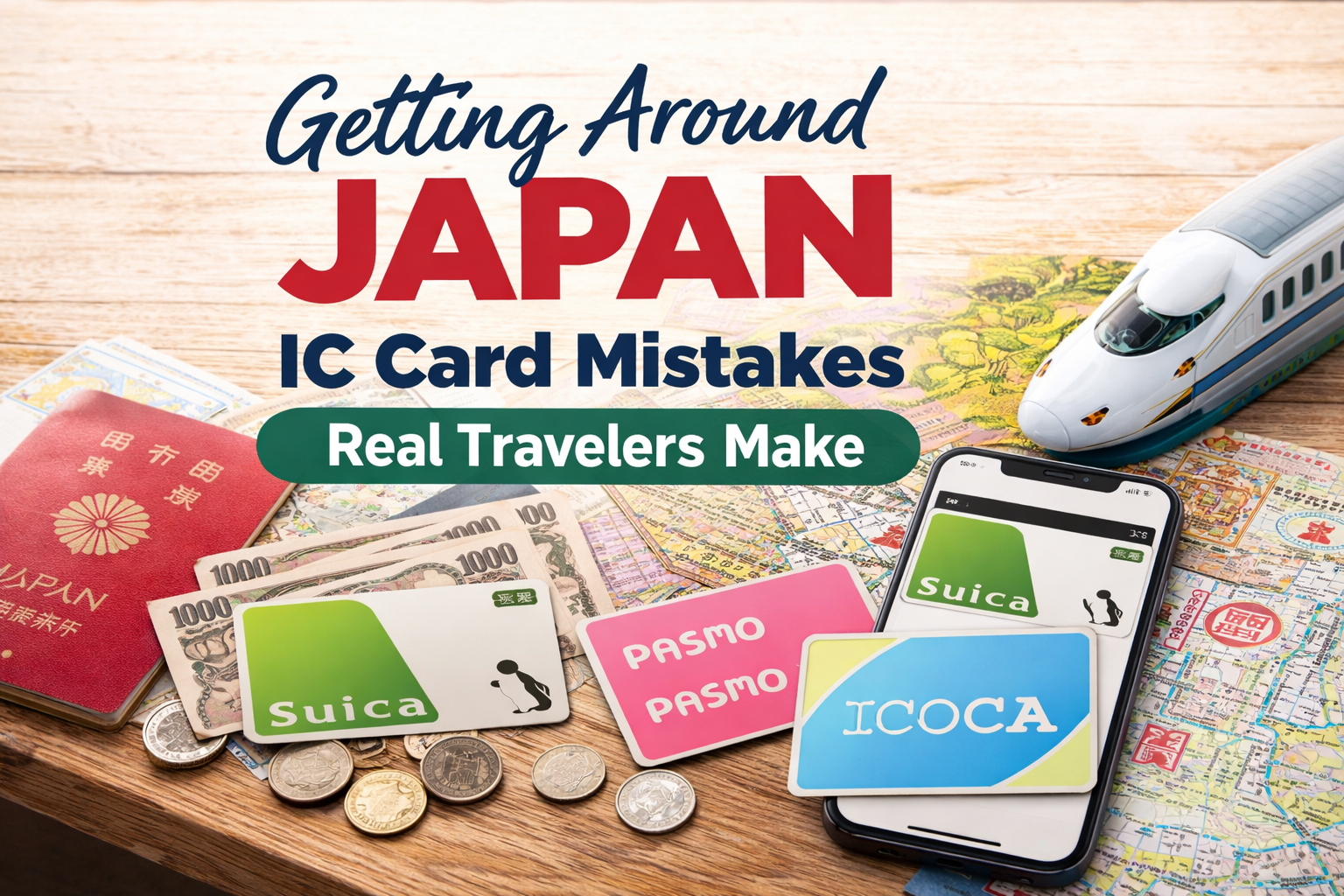
Suica, PASMO, ICOCA, and TOICA often feel like they’re different systems—but in reality, they function almost the same once you’re actually in Japan.
They’re all rechargeable IC cards used for trains, buses, vending machines, and convenience stores. The main differences are mostly behind the scenes—who issues them and where they originally come from:
- Suica – JR East (Tokyo / Eastern Japan)
- PASMO – Private railways and subways in Tokyo
- ICOCA – JR West (Osaka / Kyoto / Western Japan)
- TOICA – JR Central (Nagoya / Shizuoka area)

In practice, you can use any of them across Japan. So for travelers, the “which one should I get?” question is usually less important than it seems.
What does matter a little more are a few practical details:
- Refunds are tied to the issuing region
(e.g., a Suica is refunded at JR East stations) - Tourist versions exist in some cities
- Welcome Suica / PASMO Passport are short-term options
- No deposit, but also no refunds
- Standard cards usually require a ¥500 deposit
- Digital cards remove most of these limitations entirely
(you’re not tied to a physical issuing location)
A Few Things IC Cards Don’t Do
IC cards are incredibly convenient—but they don’t replace everything.
You’ll still need separate tickets or reservations for:
- Shinkansen (bullet trains)
- Limited Express trains (like Narita Express seat reservations)
Which, ironically, was exactly what we were dealing with while watching that situation unfold.

Before You Leave Japan
One last small tip that makes life easier—try to use up your remaining balance before you leave.
It’s surprisingly easy:
- Grab snacks at a convenience store
- Buy drinks from vending machines
- Pay at station shops
- Duty-free shopping at the airport
Because while refunds are possible, they’re tied to the region where the card was issued—and it’s often not worth the extra time or effort.
The regular digital and physical cards are valid for 10 years, so even if you don’t use up the remaining balance, you can simply save it for a future trip. Note that the Welcome Suica card is only valid for 28 days.
Final Thought
Japan is one of the easiest countries in the world to travel—but small things like IC cards can still trip people up.
Watching that family at Tokyo Station was a reminder that sometimes, it’s not the big plans that cause stress.
It’s the little things you assume will be easy.
Helpful Resources
If you want the full breakdown (step-by-step, card types, detailed how-tos), I’ve covered everything here:
